UnveilU
BOYHOM R36S WiFi Upgrade Kit RTL8188FTV Chip USB Dongle Type-C OTG for R36H R36 Plus Portable Console Netplay Online Gift
BOYHOM R36S WiFi Upgrade Kit RTL8188FTV Chip USB Dongle Type-C OTG for R36H R36 Plus Portable Console Netplay Online Gift
Couldn't load pickup availability
SPECIFICATIONS
Accessories Type: Accessory Kits
Brand Name: Bokiddy
Choice: yes
Compatible Brand/Model: None
Electric: No
High-concerned chemical: none
Model Number: WIFI for R36S R36H R36PLUS
Origin: Mainland China
With USB: For R36S WIFI
This is a ready to use driver installer for R36S and R36H owners which don't have any internet access on their R36
unit but do need to install the drivers for their USB Wifi Dongle which uses the RTL8188FTV
What you will get:
Note: Handheld game console shown in pictures is for demonstration only and is NOT included.
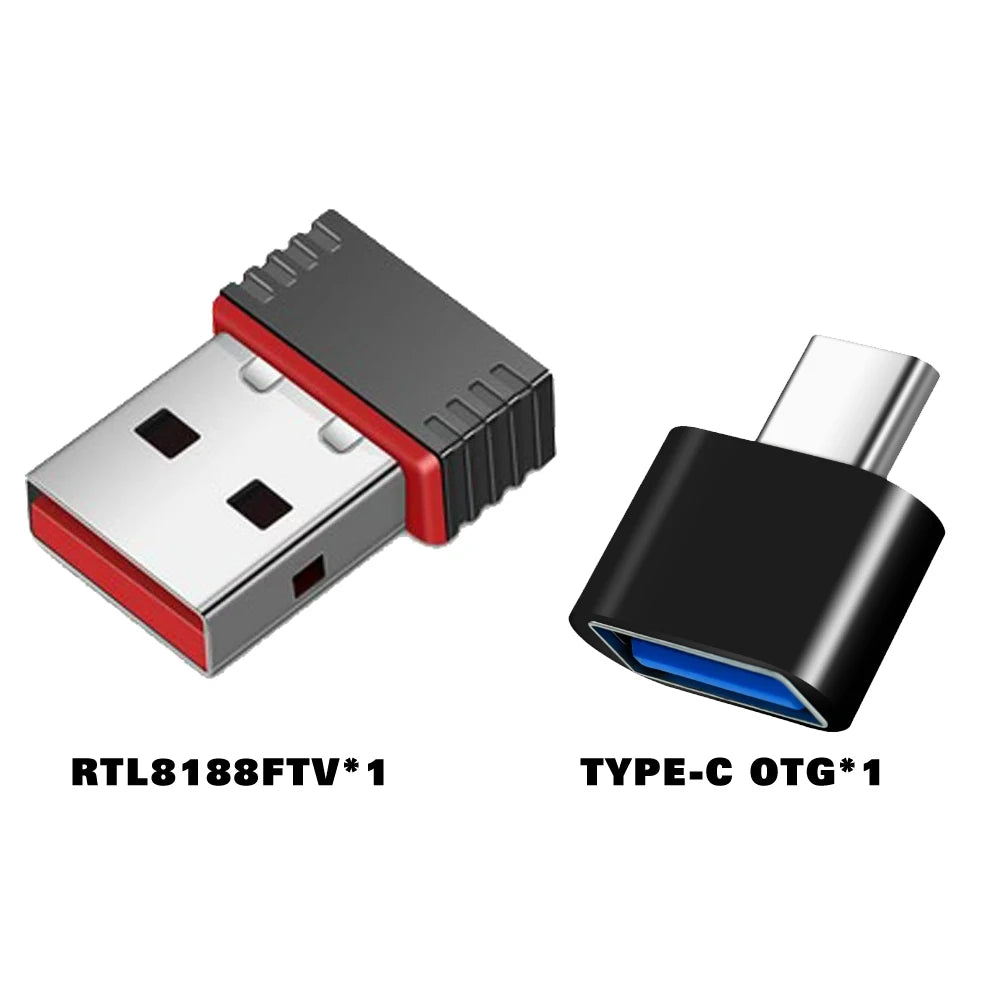
SKU 1: RTL8188FTV USB only
-
1x High-speed RTL8188FTV USB WiFi Adapter (Original Chip)
-
Perfect if you already have a Type-C OTG adapter.
SKU 2: TTYPEC-OTG Only
-
1x Professional Type-C to USB OTG Adapter (High-Durability)
-
Compatible with all BOYHOM R-Series (R36S/R36H/R36 Ultra).
SKU 3: WIFI and TYPEC-OTG Full WiFi Upgrade Kit (Best Value! 🚀)
-
1x RTL8188FTV USB WiFi Dongle
-
1x Type-C OTG Adapter


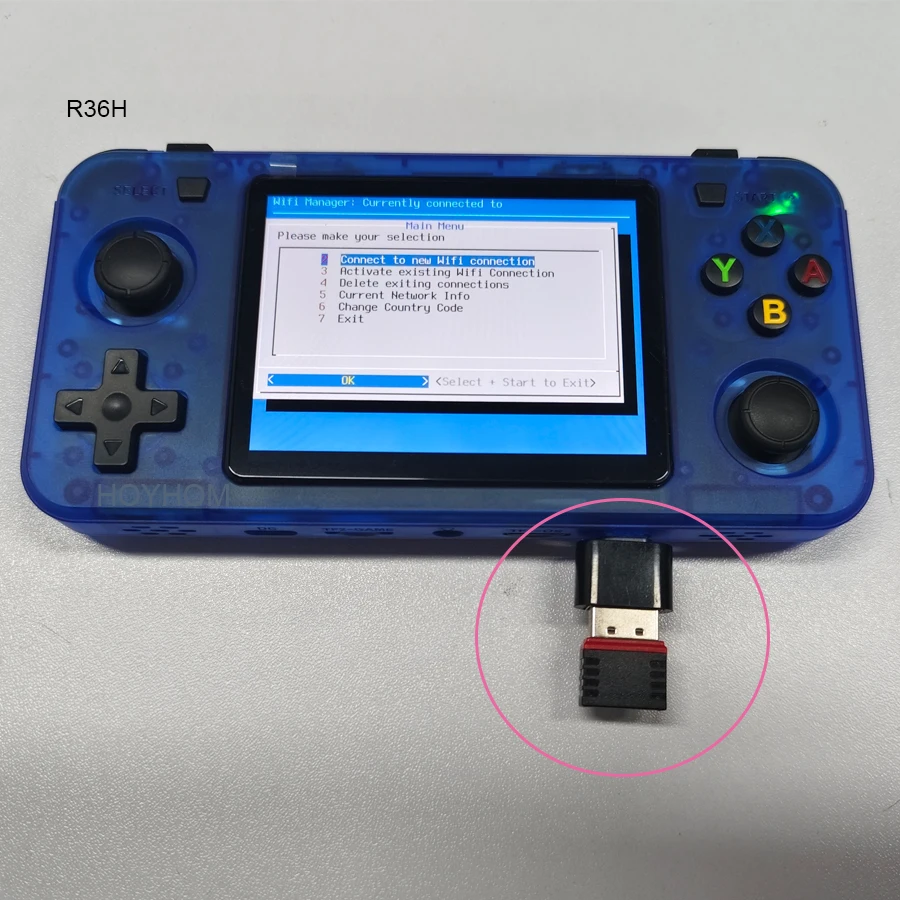
BOYHOM WiFi Upgrade Kit: User Guide
Unlock Online Battles & System Updates for R36S / R36H
Reminder ✨:
-
please use the otg port (bottom left), not the dc charging port.
-
if you have any questions, just message mia for technical support!